Documents, the Journal, the Codex and bosses
Documents
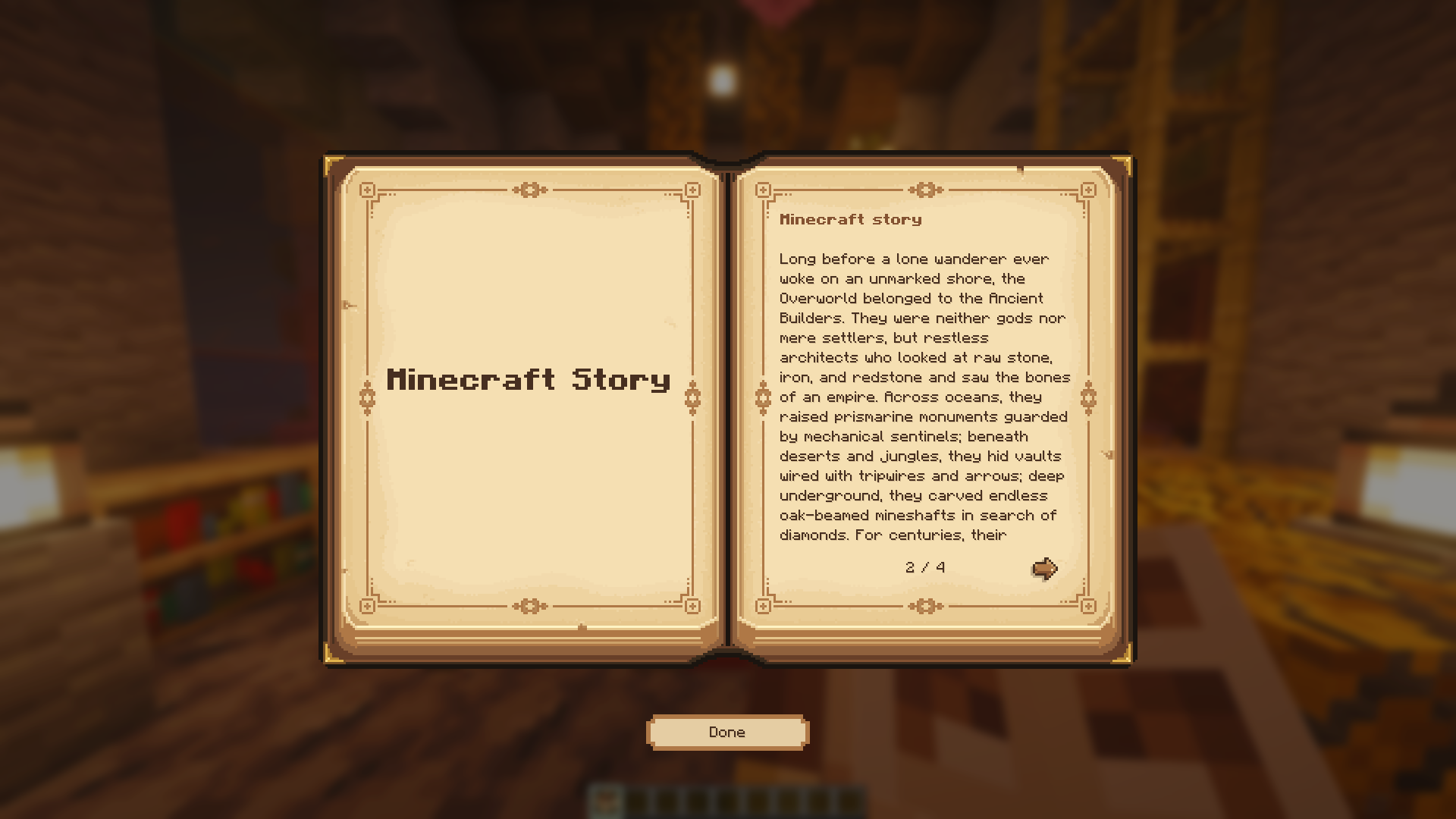
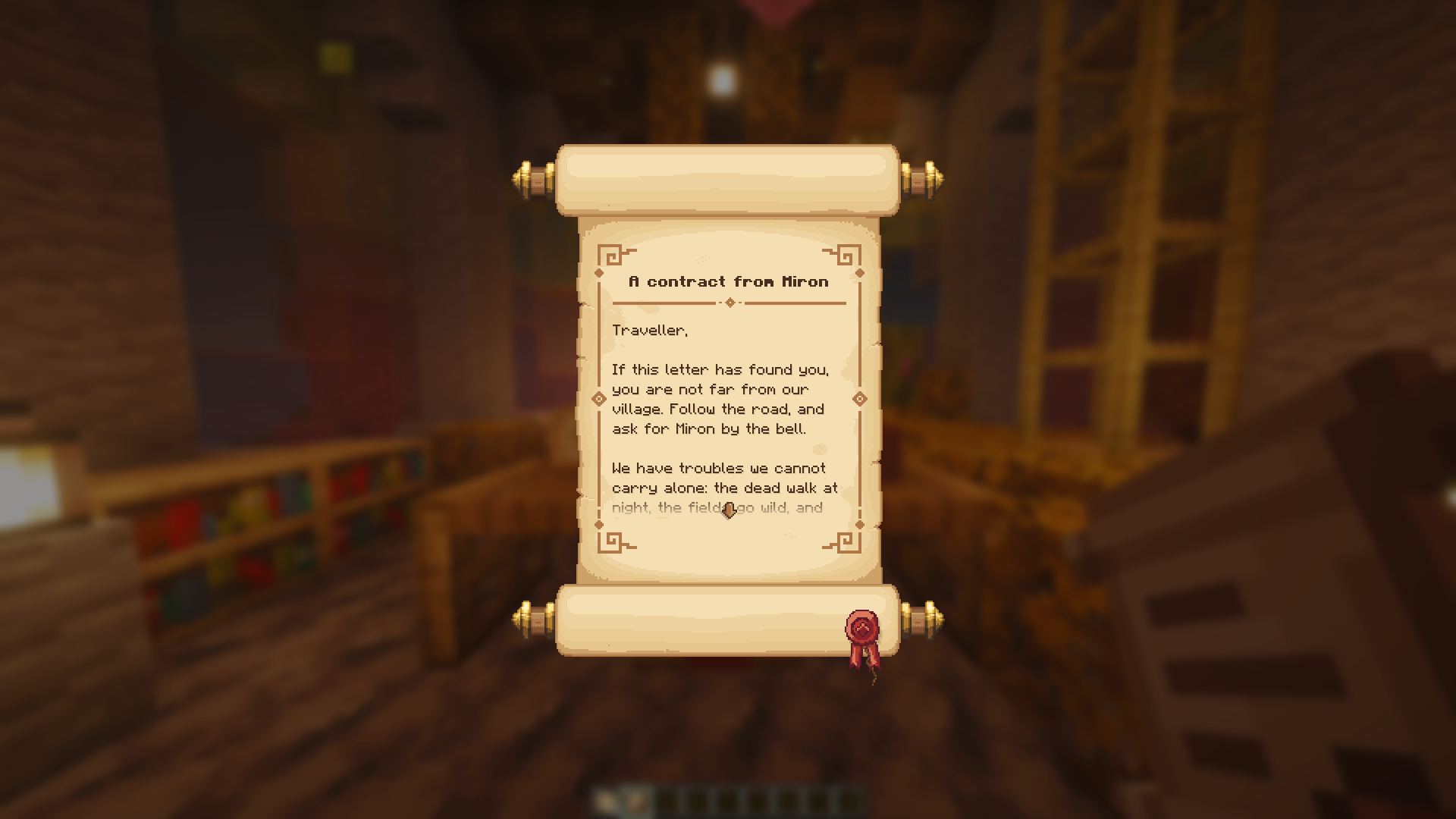
Books, scrolls, notes, letters and contracts are all one item, storybound:document, which remembers which document
it is. The text comes from the document's definition, so when you edit a document, the copies players already hold
change too.
// config/storybound/my_story/documents/mypack/elder_letter.json
{
  "kind": "letter",
  "title": "mypack.document.elder_letter.title",
  "journal": { "category": "letters", "add_on_read": true },
  "on_read": { "type": "set_flag", "key": "mypack:read_elder_letter" }
}
The text itself is a separate file for each language, for example
config/storybound/my_story/texts/en_us/mypack/elder_letter.sbt, or assets/mypack/storybound/texts/en_us/elder_letter.sbt
in a resource pack. How to format it is described in Long texts.
| Field | Default | What it does |
|---|---|---|
kind |
required | book is a two-page spread with page turning. scroll, note, letter and contract are one sheet that scrolls. |
title |
required | The document's title, also used as the item's name. |
content |
the document's id | Which text file to show. |
style |
depends on kind |
How it looks: book_leather, scroll, parchment, note_torn or a style of your own. |
journal.category |
depends on kind |
The Journal section it is kept in: books, scrolls, notes, letters, contracts or one of your own. A section of your own takes its name from the key <namespace>.journal.category.<name>. |
journal.add_on_read |
true |
Keeps the document in the Journal after the first read. |
on_read |
none | Actions that run the first time the player reads it. |
contract |
none | { "quest"?, "conditions"?, "reward"?, "hint"? } turns the document into a notice from a notice board. Reading it starts the quest, and the reward and hint are printed under the text. |
custom_model_data |
none | Lets a resource pack give the document a model of its own. |
Giving documents to players
- the
give_documentaction; - the command
/storybound document give|open|mark_read <players> <document>; - loot tables, with
set_componentsandstorybound:document; - KubeJS:
Item.of('storybound:document', '[storybound:document={id:"mypack:x"}]').
The Storybound creative tab lists every document.
Books on a lectern
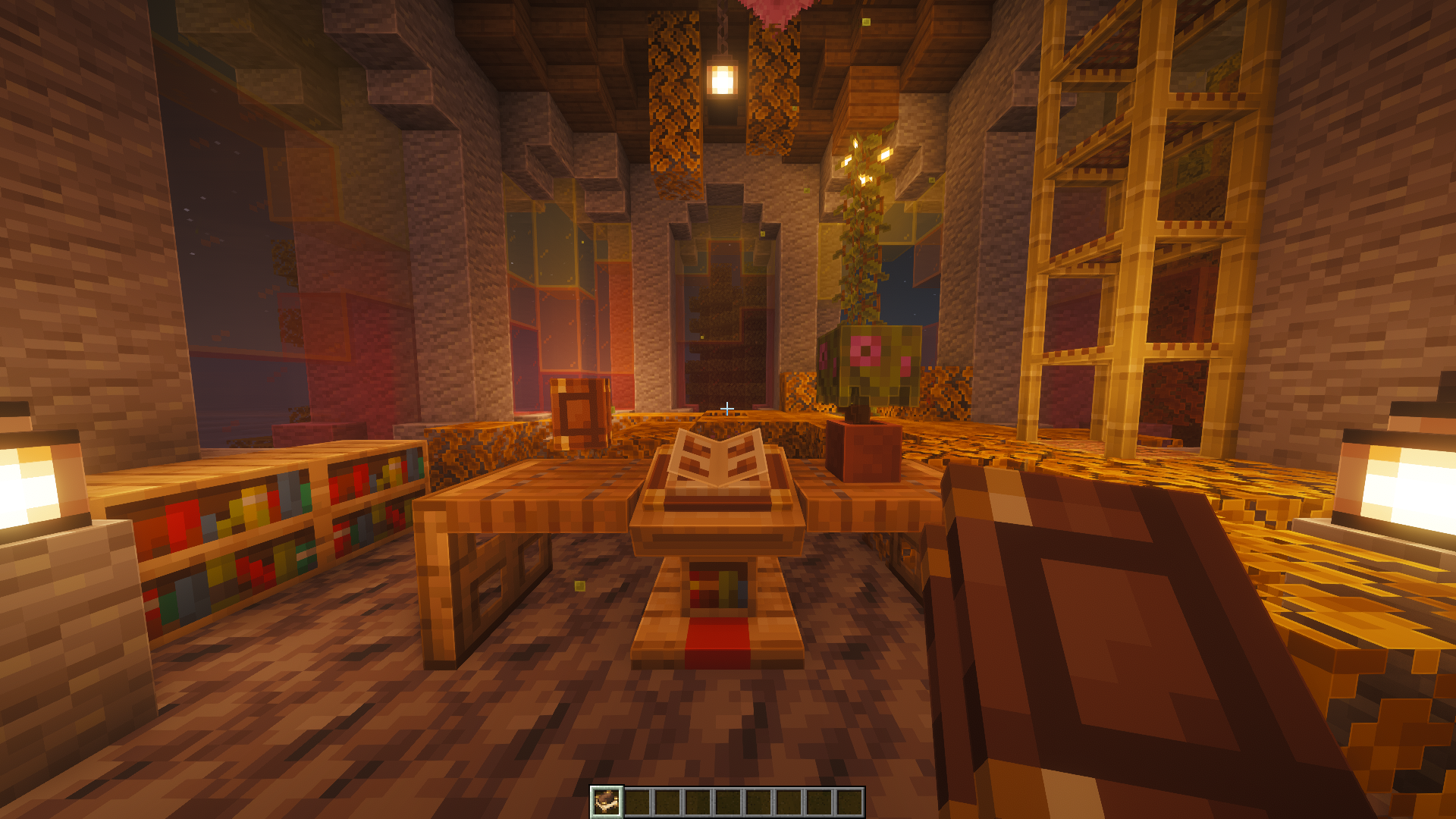
A player can put a book document on an empty lectern with a right-click, the same way as a vanilla written book.
Scrolls, notes and letters can't be put on a lectern. Right-click reads the book, and sneak and right-click, or the
Take Book button, takes it back, if the player is allowed to build there.
Styles
Document styles live in resource packs, in assets/<namespace>/storybound/styles/<name>.json (schema
document_style.schema.json). A style sets the texture and its size, the padding around the text, the font, the text
colour, the line height, and the sounds for opening the document and turning a page.
The Journal
The Journal tab keeps everything the player has read, sorted by category. It also holds notes written by the
journal_entry action. Writing a note with the same id again replaces it. Each player has their own Journal, even in
a party.
When a player reads a signed book, their own or someone else's, from their hand or from a lectern, a copy is kept in their Journal under "Your books". A book and quill that hasn't been signed is not kept.
The Codex
The Codex is a bestiary and an encyclopedia whose entries open bit by bit. See a creature and you get its description, kill it and you learn its weaknesses, read a treatise about it and you learn its history.
// config/storybound/my_story/codex/mypack/drowner.json
{
  "category": "monsters",
  "entity": "mypack:drowner",
  "title": "mypack.codex.drowner.title",
  "sections": [
    { "id": "base",     "unlock": { "on": ["seen", "killed"] } },
    { "id": "weakness", "title": "mypack.codex.drowner.weakness", "unlock": { "on": ["killed"], "count": 5 } },
    { "id": "lore",     "title": "mypack.codex.drowner.lore", "unlock": { "on": ["read:mypack:bestiary_vol1"] } }
  ]
}
| Field | Default | What it does |
|---|---|---|
category |
monsters |
monsters, animals, characters, companions, places, lore or one of your own. A category of your own takes its name from the key <namespace>.codex.category.<name>. |
entity |
none | Which creatures seen and killed refer to: an id, a #tag or a list. A single id also gives the entry its portrait. |
title |
required | The entry's title. |
sections |
required | The sections, in order. Each has an id, an optional title, an optional text and an unlock rule. Without text, the section's text is <namespace>:codex/<entry>/<section>. |
notify |
true |
Shows a toast when the entry or a section opens. |
show_kills |
true |
Shows "Killed: N" in the entry. |
Unlock rules
on lists what opens a section: seen, killed, read:<document>, or manual, which means only actions, commands
and scripts can open it. As soon as any of them reaches count, the section opens, provided its conditions hold at
that moment. Kills by party members nearby count too. A section that is still closed shows "??? Not yet discovered".
A player has "seen" a creature after looking at it for a second, from within 24 blocks, with nothing in between. You
can change this in the common config with detection.seenRadius, seenAngle and seenTicks.
Bosses
A boss entry records a player's fights with a particular mob: when they first met it, whether they beat it, how many times, and their fastest fight.
// config/storybound/my_story/bosses/mypack/drowned_king.json
{
  "entity": { "type": "mypack:drowner", "tag": "drowned_king" },
  "title": "mypack.boss.drowned_king.title",
  "lore": {},
  "tactics": { "unlock": { "on": ["killed", "read:mypack:bestiary_vol1"] } },
  "rewards": { "items": [ "minecraft:trident", "minecraft:prismarine_shard" ] },
  "on_first_kill": { "type": "unlock_codex", "entry": "mypack:drowner", "target": "party" },
  "on_kill": { "type": "give_item", "item": "minecraft:prismarine_shard", "count": 8 },
  "participation": 0.05
}
entity picks the boss the same way an NPC binding picks an NPC, by type, tag, name or uuid. So a named mob
spawned by a command or a script can be a boss.
A boss entry has three sections. lore opens when the player sees the boss, and tactics and rewards open when
they beat it, unless you set other unlock rules. lore and tactics are texts, <namespace>:bosses/<boss>/lore and
.../tactics. rewards is only a list of items to show in the entry. The real rewards come from the on_kill
actions.
Everyone who dealt at least participation of the boss's health shares the victory, along with the player who killed
it and their party members nearby. on_first_kill runs on each player's first victory, and on_kill on every
victory.
A boss is an ordinary mob that the boss's entity selector matches. To fight one right away, summon a mob that
matches. For a boss that selects a zombie tagged my_reaper:
/summon minecraft:zombie ~ ~ ~ {Tags:["my_reaper"],CustomName:'"Pumpkin Reaper"',ArmorItems:[{},{},{},{id:"minecraft:jack_o_lantern",count:1}],attributes:[{id:"minecraft:generic.max_health",base:60}],Health:60f}